Copy the video link
From the address bar or YouTube's Share button. Playlist links work too.
Purffle / PurffleGrab / Guides / YouTube to MP4
Save any YouTube video as an MP4 with sound — 1080p free, up to 8K with Pro — and which quality is actually worth it.
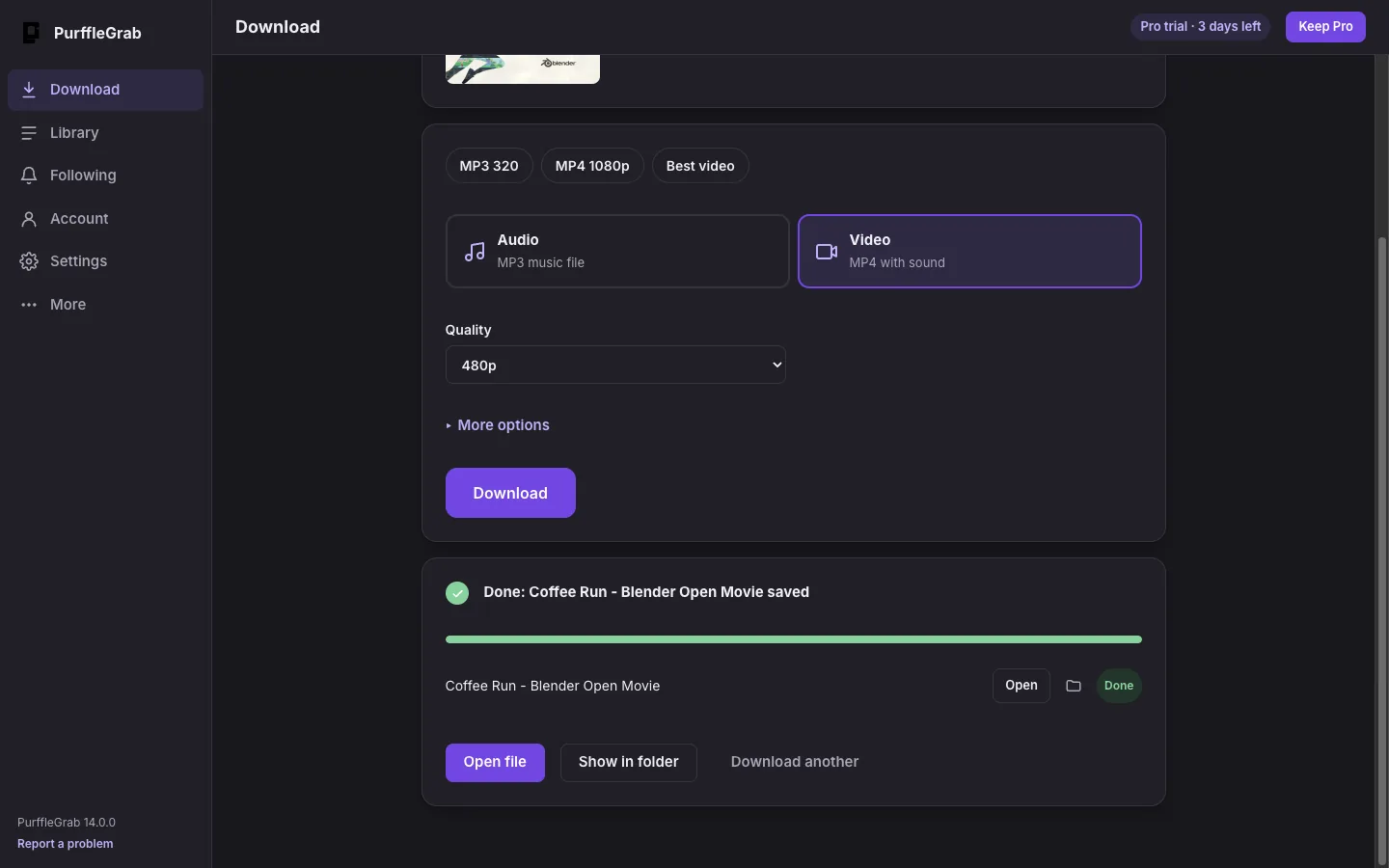
Paste the YouTube link into PurffleGrab, choose MP4 1080p (or Best video for 4K and 8K on Pro) and click Download. You get one MP4 file with picture and sound, ready for any phone, TV or editor.
| Quality | Good for | Size per 10 min (approx.) |
|---|---|---|
| 720p | Phones, saving space | ~100–200 MB |
| 1080p | Laptops and most TVs | ~200–400 MB |
| 1440p / 4K | Big screens, editing | ~0.5–2 GB |
| 8K | Archiving the best copy | Several GB |
Sizes vary a lot with the video. The exact-format picker shows the real size before you download.
From the address bar or YouTube's Share button. Playlist links work too.
You'll see the title, length and every quality available.
Use the MP4 1080p preset, or open the format picker for 4K, 8K, 60 fps or HDR.
Video and audio are joined into one MP4. Click Show in folder when it's done.
Yes, up to 1080p for 67 downloads a month. 1440p, 4K and 8K need a Pro pass.
YouTube serves 4K and 8K mostly as VP9 or AV1, which normally come as WebM or MKV. Choose MP4 and PurffleGrab picks an MP4-friendly stream or remuxes it, so it plays on any device.
Yes. YouTube stores HD video and audio separately; PurffleGrab downloads both and joins them with the built-in FFmpeg.
Yes. Set a start and end time, or pick chapters, before you download.
Downloading can breach a site's terms of service and may infringe copyright where you live. Clearly fine: your own uploads, Creative Commons and public-domain material, and content you're licensed to keep offline.