Download the .dmg
Get PurffleGrab-11.7.2-arm64.dmg from the download section (about 130 MB).
Purffle / PurffleGrab / Guides / Downloader for Mac
PurffleGrab runs natively on Apple Silicon Macs. Here is how to install it, get past macOS's "damaged" or "unidentified developer" warning in under a minute, and start downloading YouTube videos and Spotify playlists.
Get PurffleGrab-11.7.2-arm64.dmg from the download section (about 130 MB).
Open the .dmg and drag PurffleGrab into your Applications folder, then eject the disk image.
In Applications, right-click (or Control-click) PurffleGrab and choose Open, then Open again in the dialog. Double-clicking won't show that button the first time. After this, it opens normally.
This message looks alarming but isn't about the file being broken. PurffleGrab is free and isn't notarised by Apple (that requires a paid developer membership), so macOS attaches a quarantine flag to the download and refuses to open it. Removing that flag fixes it. Open Terminal and run:
Then open PurffleGrab normally. You only need to do this once per install. If you'd rather not use Terminal, System Settings → Privacy & Security shows an Open Anyway button right after the first blocked launch.
What the app does: it has no ads, no telemetry and no account system, and it only connects to the sites you download from and to GitHub to check for updates. Only download it from this site or the official GitHub releases page.
Once it's open, it works the same as on every platform:
Files are saved to ~/Music/PurffleGrab by default; change it in Settings.
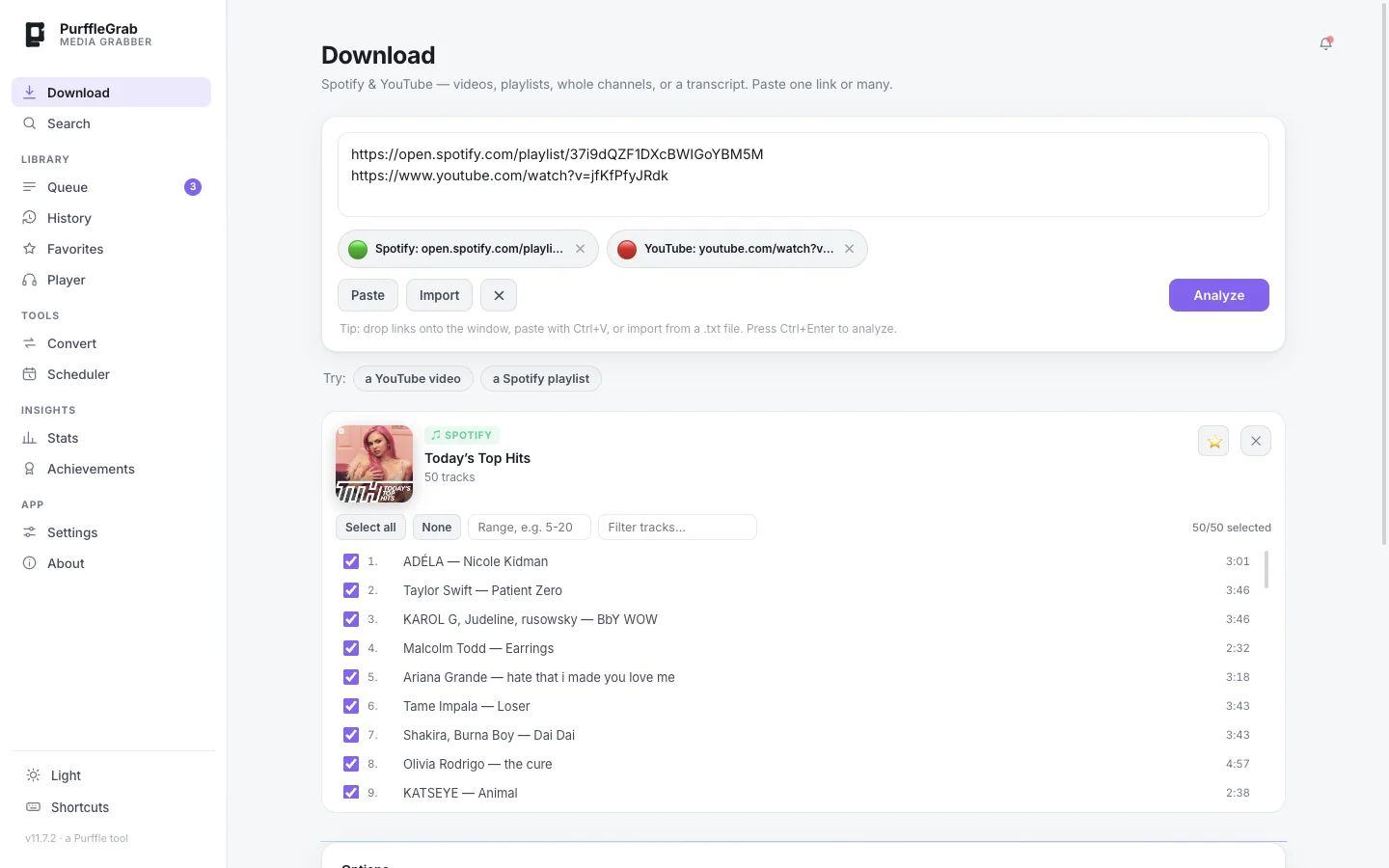
Yes — PurffleGrab is free for Apple Silicon Macs with no ads, no account and no download limits. It downloads YouTube videos up to 4K and audio up to 320 kbps MP3, plus Spotify playlists to MP3 or FLAC.
No. Everything it needs is inside the app bundle, and the YouTube engine updates itself.
The current release is Apple Silicon only. See the note under What you need.
Drag PurffleGrab from Applications to the Bin. Your downloaded files in ~/Music/PurffleGrab are left alone.