Install
Download the latest release for Windows, macOS or Linux. FFmpeg and yt-dlp ship inside the installer, so there are no separate dependencies and no Python to install.
Purffle / PurffleGrab / Guides / YouTube to MP3
Extract the audio from any YouTube video — or an entire playlist or channel — as an MP3 at up to 320 kbps. A desktop app removes the two things that make web converters painful: the upload queue and the ads.
Online YouTube-to-MP3 sites work, but they share a set of constraints. Your request goes through someone else's server, so there's a queue and a length cap (often 10–15 minutes, which rules out mixes, sets and podcasts). Most are funded by aggressive ad networks and pop-unders. Batch conversion is usually unavailable, and quality is frequently capped at 128 kbps regardless of what the source offers.
A desktop tool converts locally: no queue, no length limit, no upload, and the audio never touches a third-party machine. The trade-off is that you install software rather than opening a tab — so pick one with no ads and no telemetry, like PurffleGrab.
Download the latest release for Windows, macOS or Linux. FFmpeg and yt-dlp ship inside the installer, so there are no separate dependencies and no Python to install.
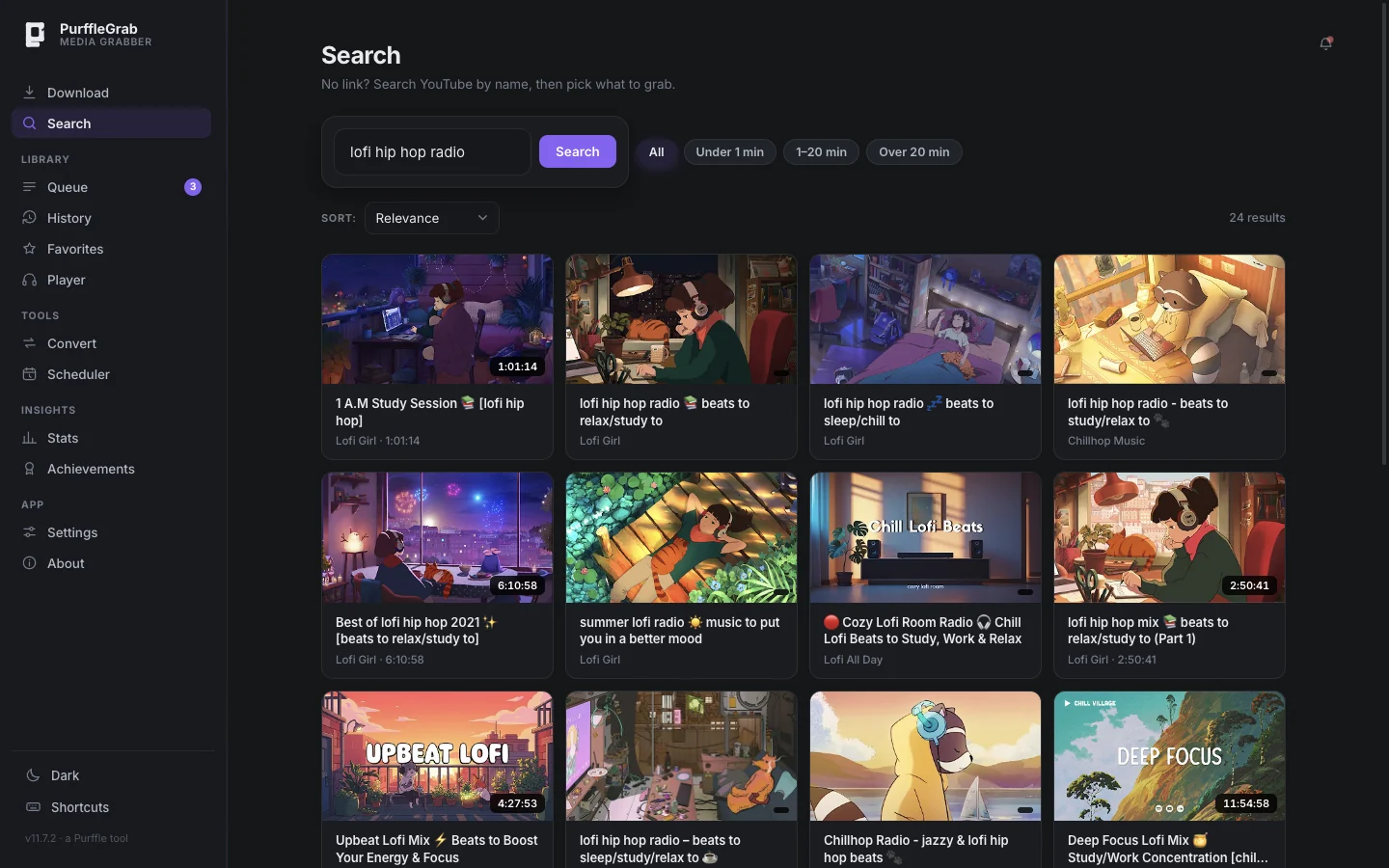
Paste any YouTube URL and click Analyze. No link handy? Use the Search tab to find videos by name inside the app, tick the ones you want, and send them straight to the downloader. Copied a link in your browser? PurffleGrab notices when you switch back and offers to grab it.
Click the MP3 320 preset to set format and bitrate in one go, or pick Audio only and choose MP3 and a bitrate yourself. Bitrate guidance is below.
Click Download. Live progress, speed and ETA are shown throughout, and the finished file can be opened, revealed in its folder, or played in the built-in player without leaving the app.
| Bitrate | Size per 4-min track | Best for |
|---|---|---|
| 320 kbps | ~9.6 MB | Music you care about. Effectively indistinguishable from the source stream. |
| 256 kbps | ~7.7 MB | A sensible balance for large libraries. |
| 192 kbps | ~5.8 MB | Casual listening on phones and earbuds. |
| 128 kbps | ~3.8 MB | Podcasts and talks. What most online converters cap you at. |
| 64 kbps | ~1.9 MB | Audiobooks and long spoken-word recordings. |
Worth knowing: YouTube's own audio is already compressed, typically around 128–160 kbps AAC or Opus. Exporting at 320 kbps MP3 will not add detail that isn't in the source — it just avoids throwing any more away. 320 is the right choice for archiving; anything above it is wasted space.
Paste a playlist or channel URL and every video is listed for individual selection. Downloads run up to six at a time.
Turn on SponsorBlock to strip sponsor reads, intros, outros and self-promotion out of the audio automatically, using the community segment database.
Split by chapters writes one file per chapter marker — the practical way to turn a two-hour DJ set or a full album upload into individual tracks.
Set a start and end time under Clip / trim to extract only the part you want, rather than converting the whole video and editing afterwards.
Need the words rather than the audio? Transcript download saves a video's captions as a clean .txt in the language you choose, with or without timestamps.
YouTube changes its internals regularly. The bundled engine updates itself, and Settings → Update engine forces a refresh — that fixes the overwhelming majority of sudden breakages. A failed download also tells you why (private, region-blocked, age-restricted).
Enable Embed title & artist. YouTube metadata is much messier than Spotify's, so tags come from the video title and channel — use the Rename files tool or the player's tag editor to tidy them.
The build isn't code-signed, since a certificate costs several hundred dollars a year for a free tool. Choose More info → Run anyway.
Yes — the Convert tab takes any local audio or video file and converts between MP3, M4A, FLAC, WAV, Opus, OGG, AAC, MP4, WebM and MKV. Nothing is uploaded anywhere.
No. Conversion happens on your own machine, so an eight-hour stream archive works the same as a three-minute song.
Downloading videos generally breaches YouTube's terms of service, and converting copyrighted music you haven't licensed may infringe copyright where you live. Clearly legitimate uses include your own uploads, Creative Commons and public-domain material, and content the rights holder permits you to keep offline. You are responsible for how you use the tool.