Copy the SoundCloud link
Share → Copy link, or copy it from the address bar.
Purffle / PurffleGrab / Guides / SoundCloud downloader
Save SoundCloud tracks and sets as tagged MP3 files, in the same app as your YouTube and Spotify downloads.
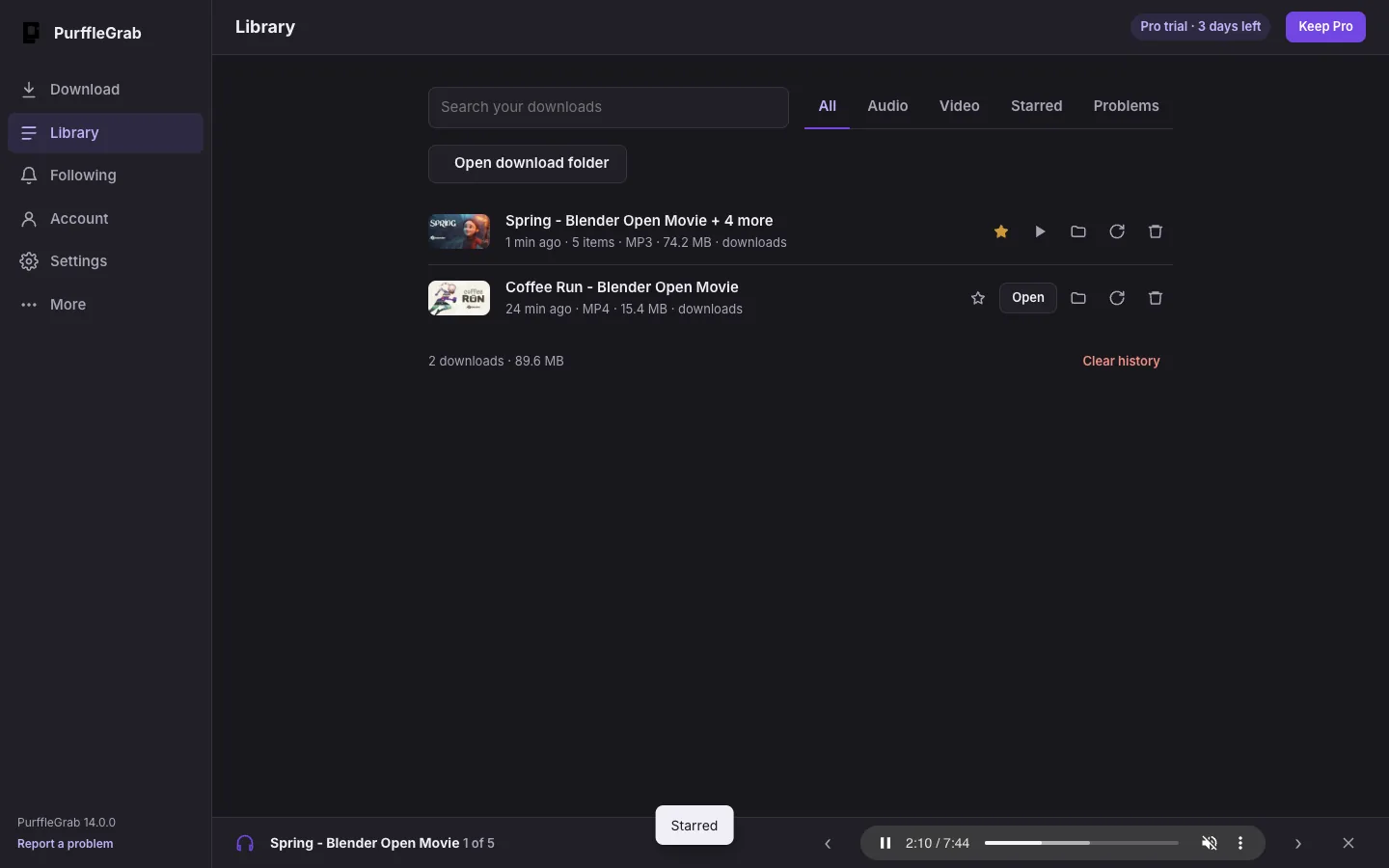
Paste a SoundCloud track, set or profile link. PurffleGrab lists the tracks, and saves each as MP3 (or M4A, Opus, FLAC or WAV) with the title, artist and artwork. It's the same app you use for YouTube to MP3 and Spotify, so all your music lands in one Library with a built-in player.
Share → Copy link, or copy it from the address bar.
Click Find and pick the tracks.
The files go to your Music folder, tagged and with artwork.
Free gives you 67 downloads a month up to 1080p with a free account (just your email, no card), and new accounts get 3 days of Pro free. Pro passes start at $1.49 (₹49) a week, you pay once and they never renew.
PurffleGrab can save tracks that SoundCloud streams publicly. Many artists also offer an official download button on SoundCloud; when they do, that's the best copy to use.
SoundCloud streams most tracks at about 128 kbps MP3 or Opus. PurffleGrab saves the best stream available; converting it to a higher bitrate can't add quality, so MP3 at the original rate is usually the right choice.
Yes. Paste a set (playlist) or a profile link and tick the tracks you want.
Downloading can breach a site's terms of service and may infringe copyright where you live. Clearly fine: your own uploads, Creative Commons and public-domain material, and content you're licensed to keep offline.