Copy the link in Spotify
Share → Copy link on any playlist, album or song. PurffleGrab notices the copied link and offers to grab it.
Purffle / PurffleGrab / Guides / Spotify downloader
Turn any Spotify playlist, album or song into MP3 or FLAC files with the right title, artist and cover art — on Windows, Mac or Linux.
Paste a link to a Spotify playlist, album, track or artist. PurffleGrab lists every song with its length and cover, you tick the ones you want, and each one is saved as MP3 or FLAC with the title, artist, album, track number and artwork already written in. Drop the folder into any music player and it looks the way it does in Spotify.
Spotify's audio is DRM-protected, so no tool can copy the original stream, and any site claiming it can is not telling you the truth. Every working Spotify downloader, including the open-source spotDL, does the same thing: it reads the public track list, finds the same song on YouTube and saves that audio with Spotify's metadata. PurffleGrab does exactly this, in an app instead of a command line. Most tracks match perfectly; now and then a live version or a remix wins, and that's what the match check is for.
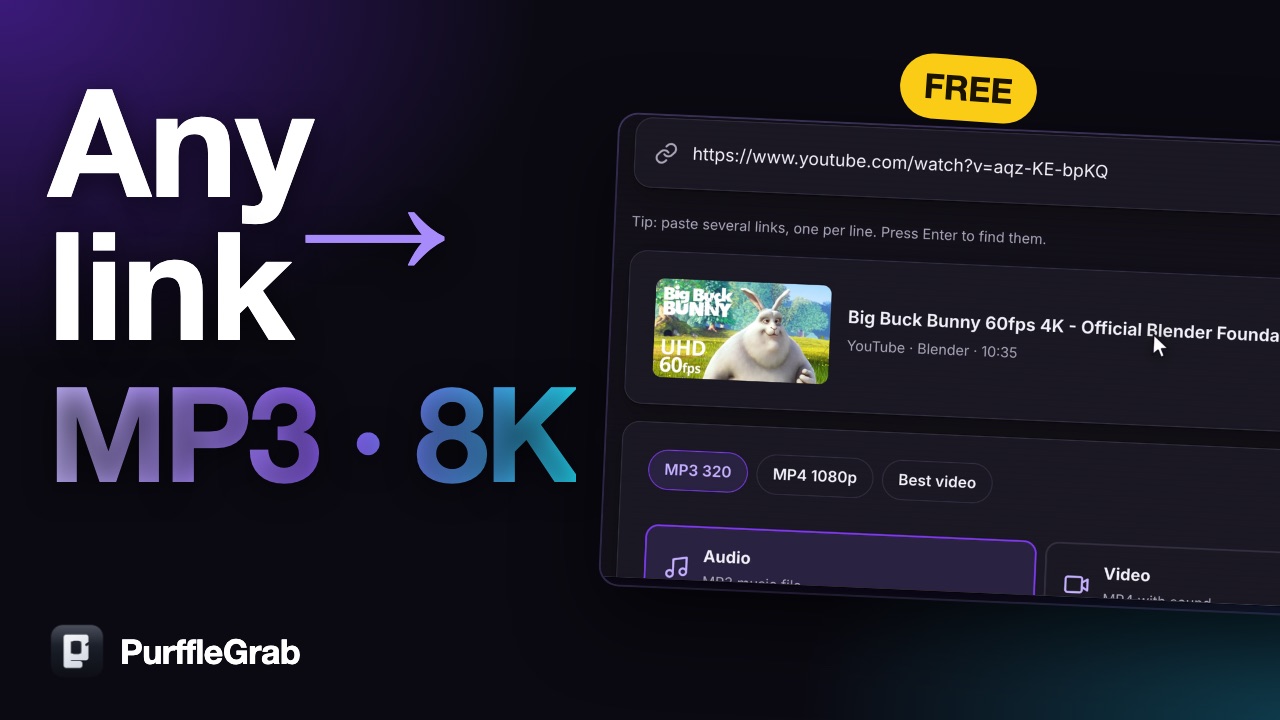
Paste a link or type a song name, save a whole playlist, follow a channel, and fix a broken download in one click. Watch on YouTube (2:19).
Share → Copy link on any playlist, album or song. PurffleGrab notices the copied link and offers to grab it.
Click Find, tick the tracks, then choose MP3 320 or FLAC.
Several songs download at once. Pause any time; the queue resumes even after a restart.
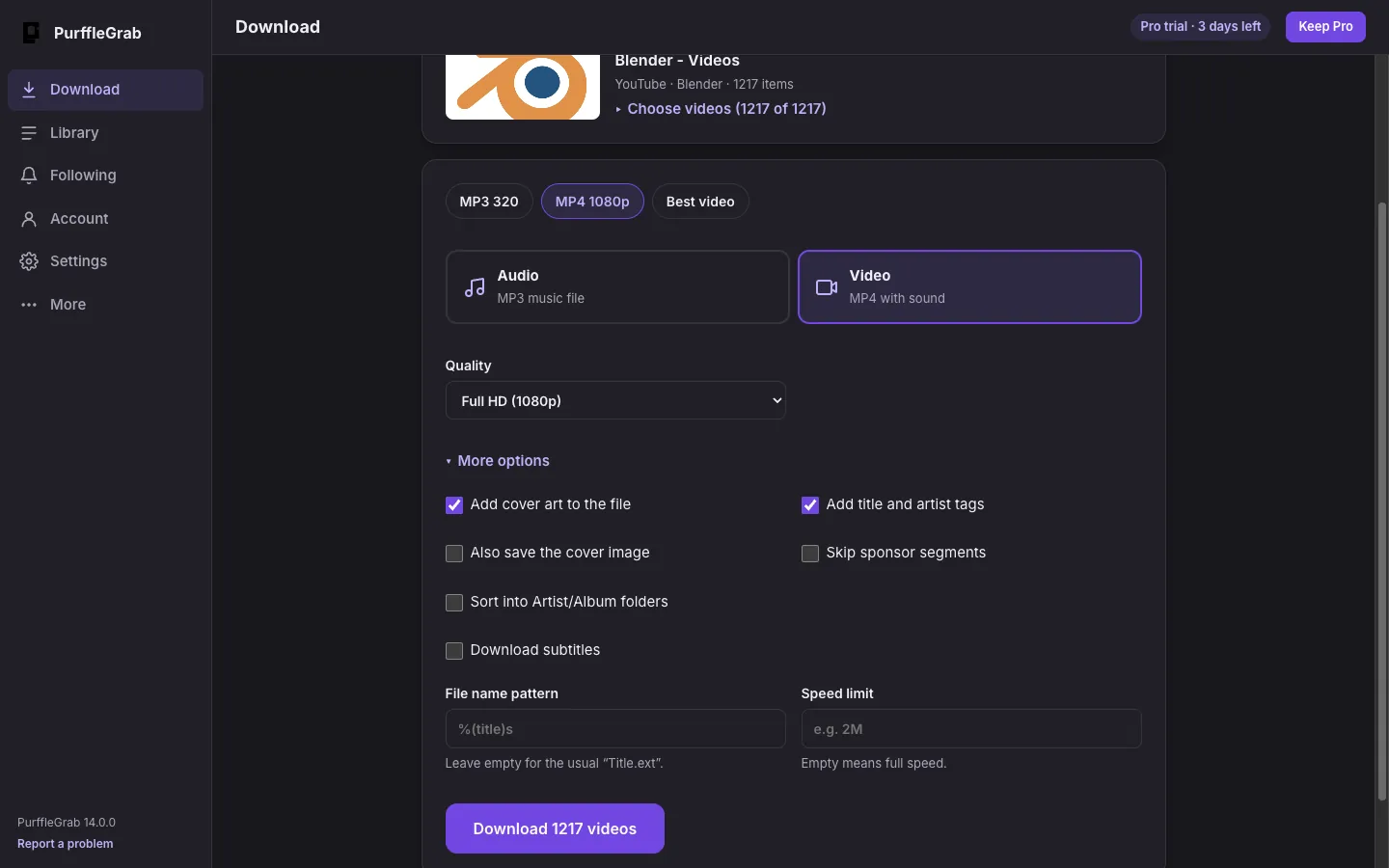
Free gives you 67 downloads a month up to 1080p with a free account (just your email, no card), and new accounts get 3 days of Pro free. Pro passes start at $1.49 (₹49) a week, you pay once and they never renew. Pro adds unlimited downloads, 6 at once and up to 3 computers.
Yes. PurffleGrab is free for 67 downloads a month with a free account, and every Spotify feature works on Free: playlists, albums, tracks, MP3 and FLAC, cover art and tags.
No, and no honest tool can: Spotify's streams are DRM-protected. PurffleGrab reads the public track list from Spotify, finds the matching audio on YouTube and writes Spotify's title, artist, album and cover art onto each file. It's the same method spotDL uses.
No. Public playlists, albums and tracks work without signing in to Spotify. For playlists over 100 tracks you can add your own free Spotify API key in Settings.
MP3 (up to 320 kbps), FLAC, M4A, Opus and WAV. MP3 and FLAC get full tags and embedded cover art.
Yes. There are installers for Windows 10 and 11, macOS (Apple Silicon and Intel) and Linux (AppImage and .deb).
Downloading can breach a site's terms of service and may infringe copyright where you live. Clearly fine: your own uploads, Creative Commons and public-domain material, and content you're licensed to keep offline.