Install PurffleGrab
Get the installer for Windows, Mac or Linux and sign in with your email. FFmpeg and yt-dlp are inside, so there is nothing else to set up.
Purffle / PurffleGrab / Guides / Download a YouTube playlist
Paste a playlist or channel link, untick what you don't need, and PurffleGrab saves the rest as video or MP3 — resuming where it stopped if you close the app.
Get the installer for Windows, Mac or Linux and sign in with your email. FFmpeg and yt-dlp are inside, so there is nothing else to set up.
On YouTube, open the playlist and copy the address — it contains list=. A channel link such as youtube.com/@name/videos works the same way. If you copy it while PurffleGrab is open, the app offers to grab it when you switch back.
Every video is listed. Open Choose videos to untick the ones you don't want, or use Select all and Select none. Private, deleted and not-yet-aired videos are left out for you, so they can't fail later.
One click on MP3 320 for audio, MP4 1080p for video, or Best video for 1440p and 4K with Pro. Choose a format picks an exact stream if you need one.
Click Download. Free runs two videos at a time and Pro up to six. You can paste more links while it works; everything shows under Library → In progress.
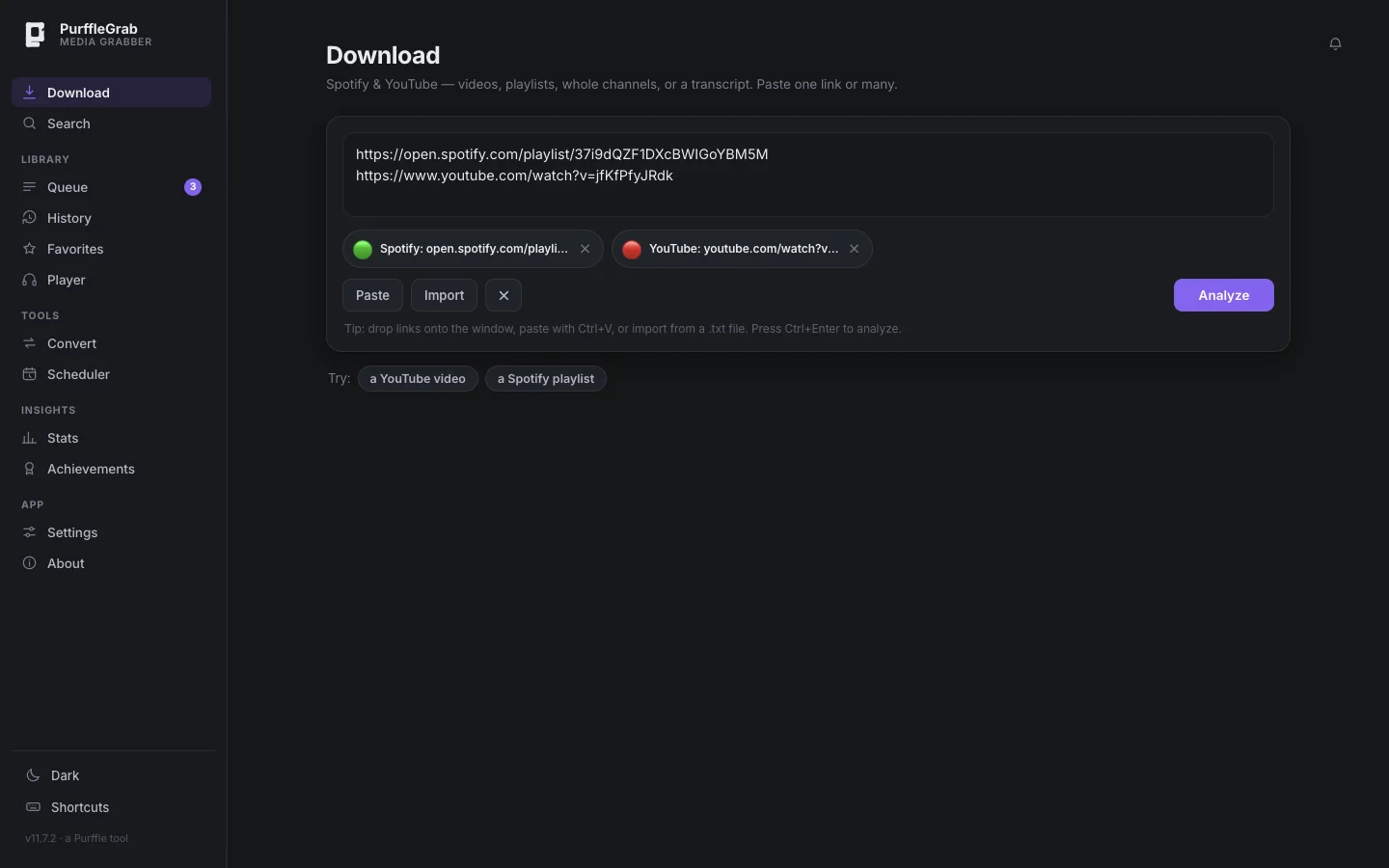
If the playlist keeps growing, follow it instead: open Following, paste the link, and new videos download on their own. Free follows one playlist or channel, checked daily; Pro follows as many as you like, every hour.
YouTube sometimes asks for this on busy connections. PurffleGrab retries once using the browser you're signed in to YouTube with; pick the browser in Settings → Fix downloads if it chooses the wrong one.
Private, deleted and upcoming videos are left out on purpose. Members-only and age-restricted videos need you to be signed in to YouTube in your browser.
When a video doesn't offer the size you chose, PurffleGrab takes the next best one and says so next to the file, for example "Saved at 720p (1080p wasn't available)".
Both are kept: the second is saved as Title (2).
Downloading generally breaches YouTube's terms of service, and may infringe copyright where you live. Clearly fine: your own uploads, Creative Commons and public-domain material, and content you're licensed to keep offline.